Find the released file and its guidance
Start in Your Library’s printing guide, then open the file options for the product you need. Read the requirements, instructions and licence beside the download. Check its edition and filename before sending anything to a printer.
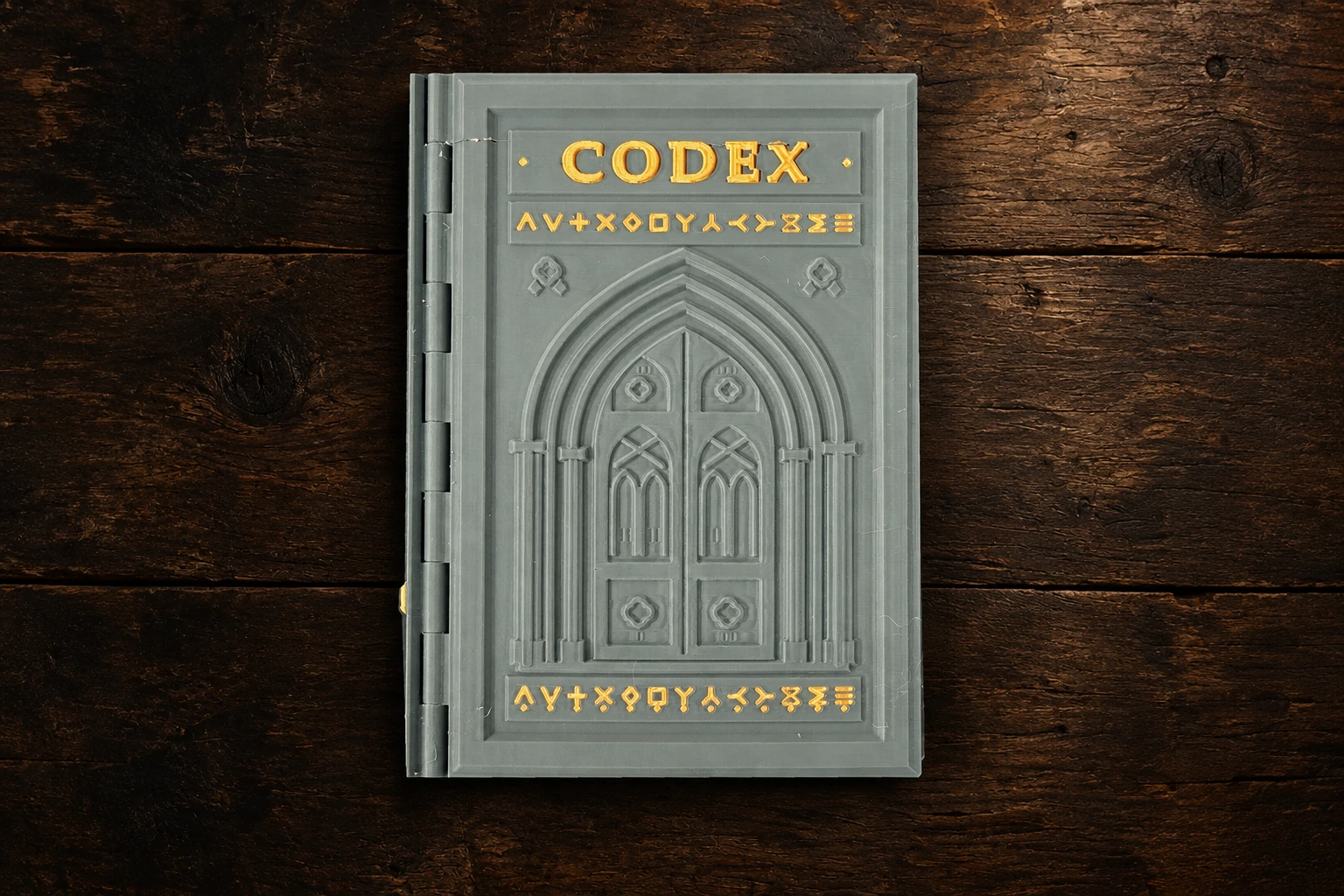
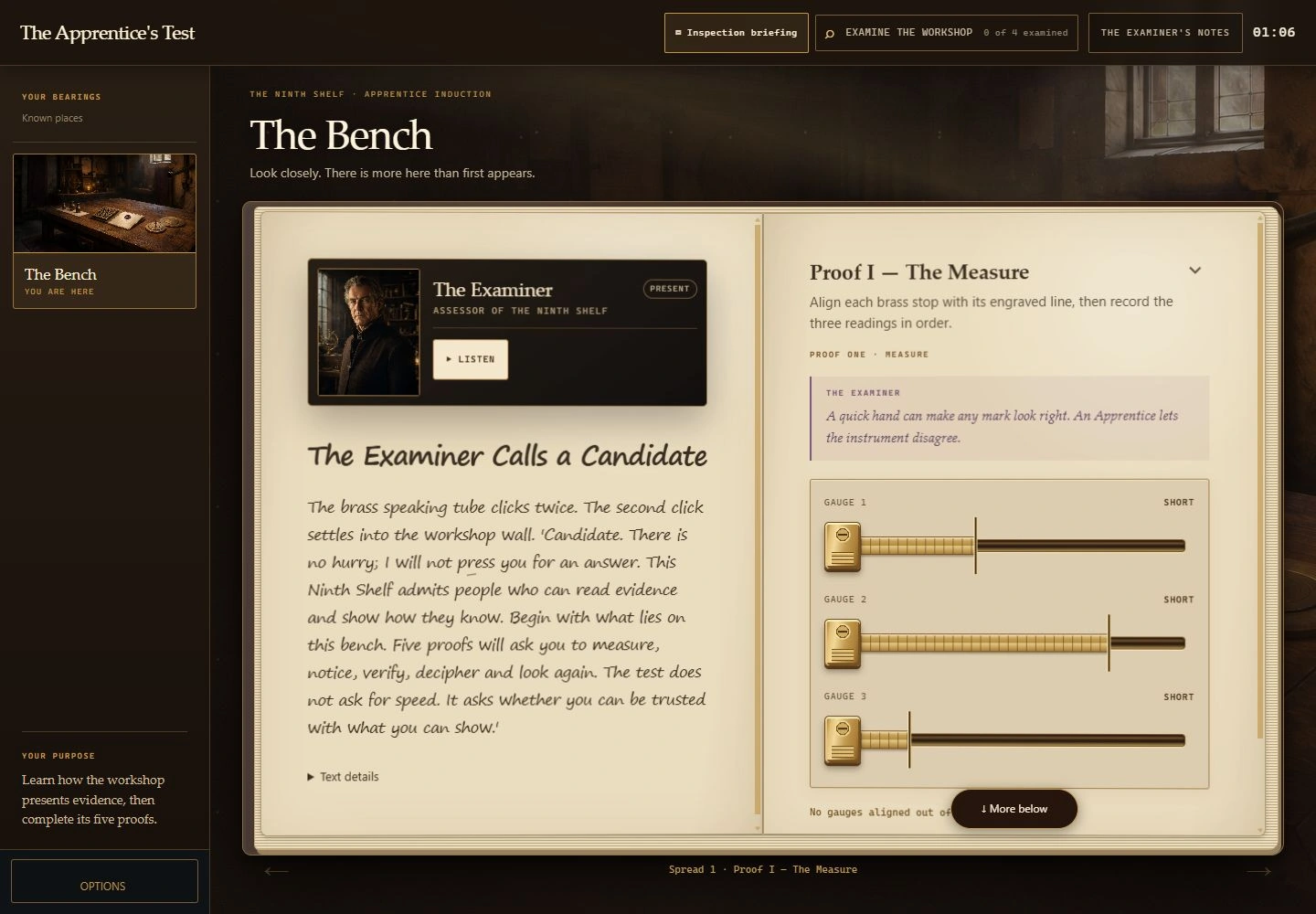
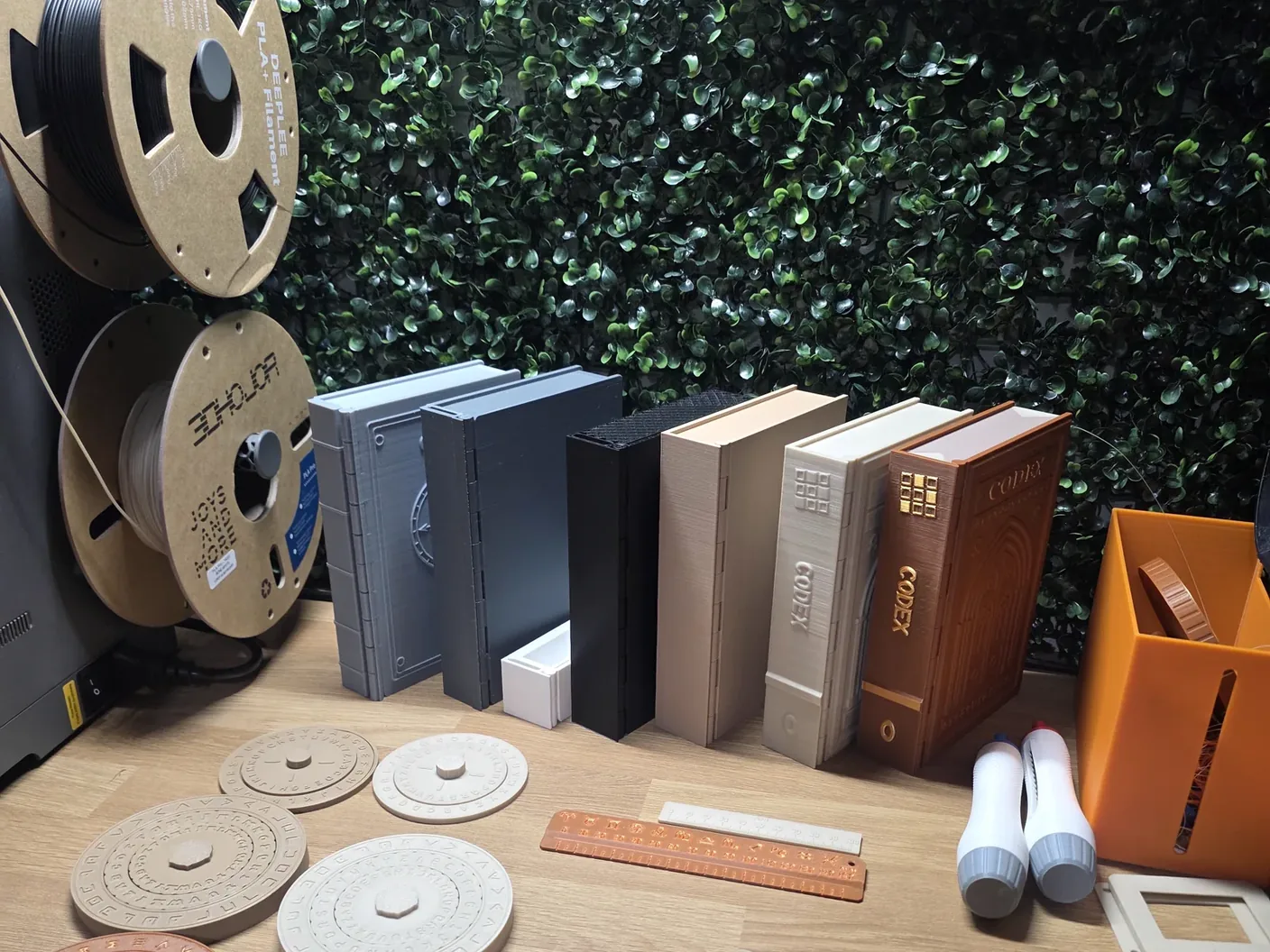
The Apprentice is playable without printing. Its optional keepsake and the reusable Codex are separate downloads. Future physical case books are available only when their case file and Library say so; a development image is not a released print.
STL or 3MF?
An STL provides model geometry. Your slicer turns that geometry into instructions for your printer. A 3MF can carry a project with more information, such as colour assignments or saved settings; what it contains depends on the supplied edition and compatible slicer.
Choose the single-colour or multicolour option that matches your setup. A multicolour project does not make every printer multicolour-capable. Read any compatibility notes and inspect the project before slicing.
Read the settings for each part
Check orientation, material, layer height, supports, scale and assembly notes. Use a supplied profile only with the equipment and conditions it describes. Saved settings are a starting point to inspect, not a guarantee for another machine.
Do not assume every part prints at 0.2 mm or needs no supports. Those statements belong to individual, confirmed file guidance. If a setting has not been confirmed, ask before treating it as an instruction.
Inspect the slice before printing
Look through the slicer’s layer preview. Check that small features are present, openings remain clear and the model is placed as instructed. Confirm the selected printer and material profile, and review the slicer’s warnings.
Keep the supplied scale unless the instructions say otherwise. Scaling a book, insert or moving part can change how it fits with other pieces. If the guidance asks for a test part, print that first rather than committing to a whole book.
Assemble, check and keep the edition together
Follow the supplied assembly order. Remove supports only where instructed and check mating surfaces carefully. Do not force a part that should move freely. If it binds, compare the orientation and settings with the file guidance, then contact support if necessary.
A successful print on one machine does not prove fit on every printer. Keep notes on the file edition and your settings if you report a problem. Photograph the affected part without revealing puzzle answers.
Printing for someone else
Check the download’s licence before offering a printing service. Personal-print permission does not automatically grant commercial printing or redistribution rights. If you need someone to print for you, explore the maker network and confirm the exact files, permissions and quote with the maker.